
Insight Packages · Track 2 · Tutorial 4 of 4
Keep packages maintainable month after month
A pack built well needs almost no work each month. A few habits keep it that way as the group, its reports and its readers change.
You will needAn Administrator, Report Admin or Dashboard Admin of Your Group.
By the endA package that refreshes each month with no rework, and a sidebar readers can find their way around.
1Build on things that update
| Reports, not uploads | A report section reads the books live. An inserted file is a copy of the day it was uploaded. |
|---|---|
| Variables, not typed numbers | Put figures, the month and the entity into text as variables, so commentary never shows last month’s numbers. |
| Change the report, not the pack | Fix a row in the report itself. Every package that uses it, and the report on its own, show the change. |
2Each month
- Read the preview after the month is closed, and update the words of the commentary.
- Publish a fixed copy for the month, so the record never changes.
- Let the schedule send it, or send the published copy’s PDF yourself.
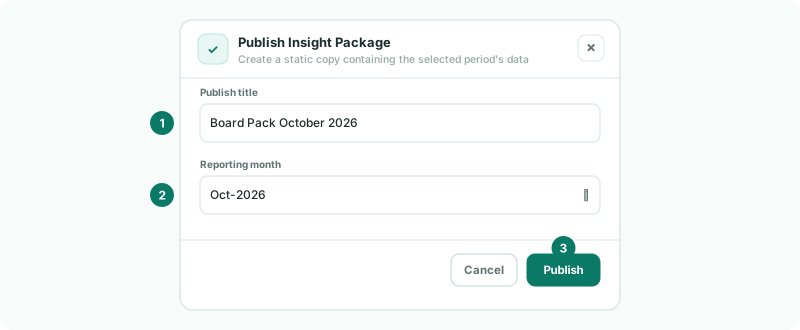
3Change safely
- Before a big redesign, use Duplicate Existing and work on the copy. Swap the schedule to it when it is ready.
- Use Sidebar Order to put the packages and copies readers need first, and Hide from sidebar for the rest.
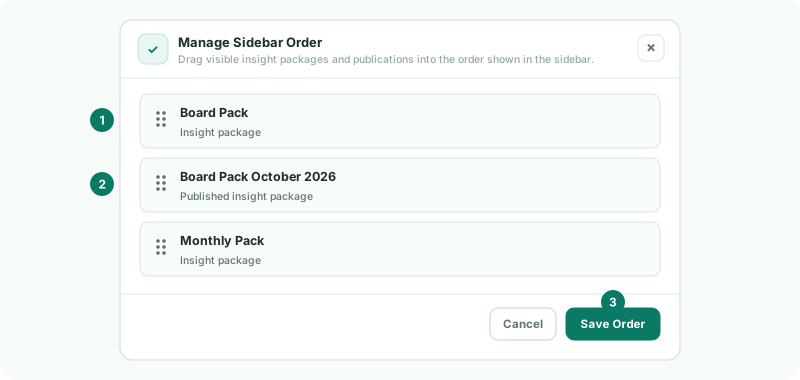
Check
Next month, the package shows the new month’s figures and text without being edited.
Want more detail? See the documentation